
Fix the WordPress 403 Forbidden Error
A 403 Forbidden error means the server or an intermediary such as a firewall understood your request but is refusing access.
WooCommerce Product Images Not Showing

WooCommerce product images not showing is a common issue that can be caused by missing thumbnails, broken image URLs, caching, CDN problems, theme conflicts, or variation settings.
How Much Does It Cost to Fix a WordPress Website?

The cost to fix a WordPress website ranges from $15 for a small cosmetic issue to $3,000 or more for a serious compromise. Most single problems on a business site land between $75 and $500 (as of August 2026).
WooCommerce Checkout Not Working Fixing Common Errors
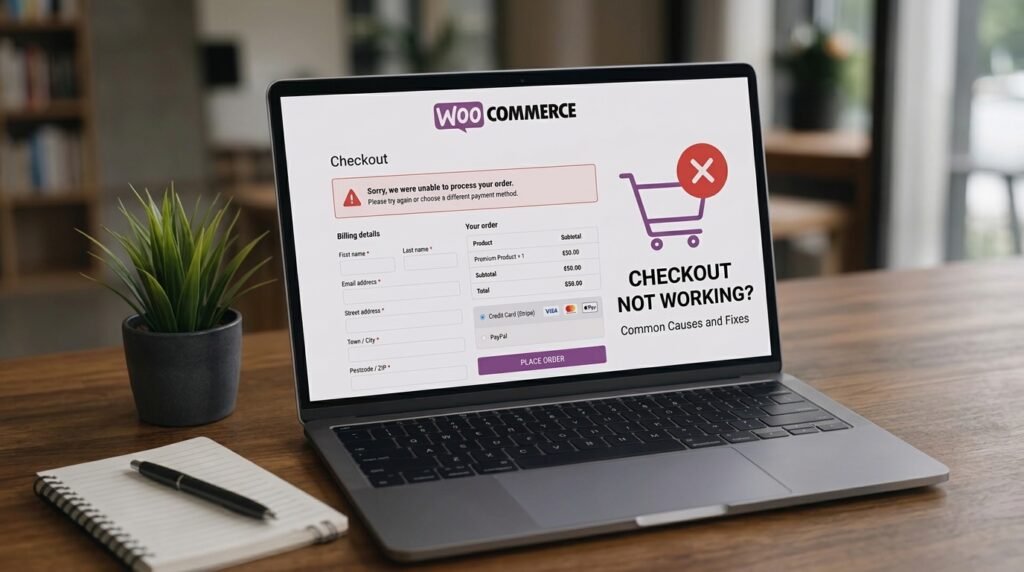
A broken WooCommerce checkout usually comes down to a plugin conflict, a payment gateway setting, a theme problem, or a missing webhook.
Speed Up WooCommerce Checkout

To speed up WooCommerce checkout, first identify whether your store uses the newer Checkout Block or the Classic shortcode checkout.
WordPress Staging Site: How to Test Changes Safely in 2026

A WordPress staging site is a private copy of your live site where you can update plugins, switch themes, or test code changes without a single visitor seeing a broken page.
How to Optimize Images for WordPress (Size, Format and Image SEO)

To optimize images for WordPress, resize them to their real display width before uploading, convert them to WebP, add width and height attributes, and lazy-load everything except your hero image.
Common Elementor Problems and How to Fix Them
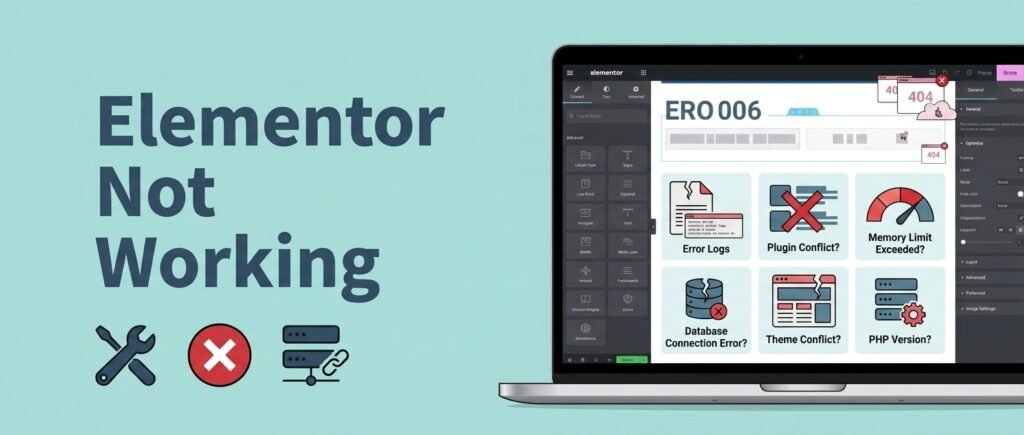
Elementor not working usually comes down to four causes: a PHP memory limit too low for the editor, a plugin or theme conflict, stale CSS that needs regenerating, or a version mismatch between Elementor and Elementor Pro.
How to Fix WordPress Emails Not Sending (SMTP Guide)

WordPress emails fail because WordPress uses PHP’s mail() function by default, which most hosts block or leave unauthenticated.
WordPress Backup Guide: How to Back Up (and Actually Restore) Your Site

To back up WordPress properly, capture both your files and your database on a schedule, send at least one copy off your hosting account, and keep an extra copy before every update.