
Is WordPress good for small business in 2026?
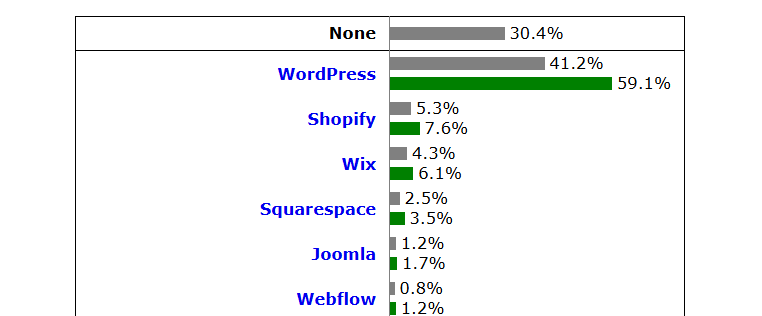
WordPress is a good choice for most small businesses that plan to publish content, rank on Google, or grow beyond a simple brochure site. It gives you ownership and flexibility no hosted builder matches.
How to Fix Page Indexing Issues in WordPress
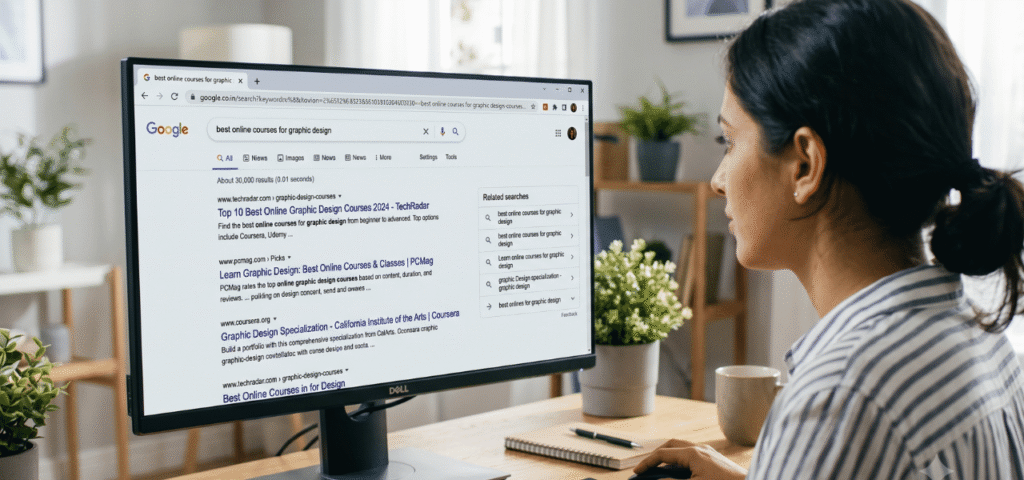
To fix page indexing issues in WordPress, open the Page Indexing report in GSC and read the exact status Google assigned your URL.
How to Tell If Your WordPress Site Has Been Hacked (6 Signs)

To tell if your WordPress site has been hacked, look for six signs that almost always mean a compromise: admin accounts you did not create, visitors redirected to spam sites, a Google “this site may be hacked” warning, content you never published, being locked out of your dashboard with the correct password, and a suspension notice from your host.
How to Fix the Error Establishing a Database Connection in WordPress
The error establishing a database connection in WordPress usually means the credentials in your wp-config.php file no longer match your database. It happens most often after a migration or a host change.
How to Handle Redirects When Migrating From Webflow to WordPress
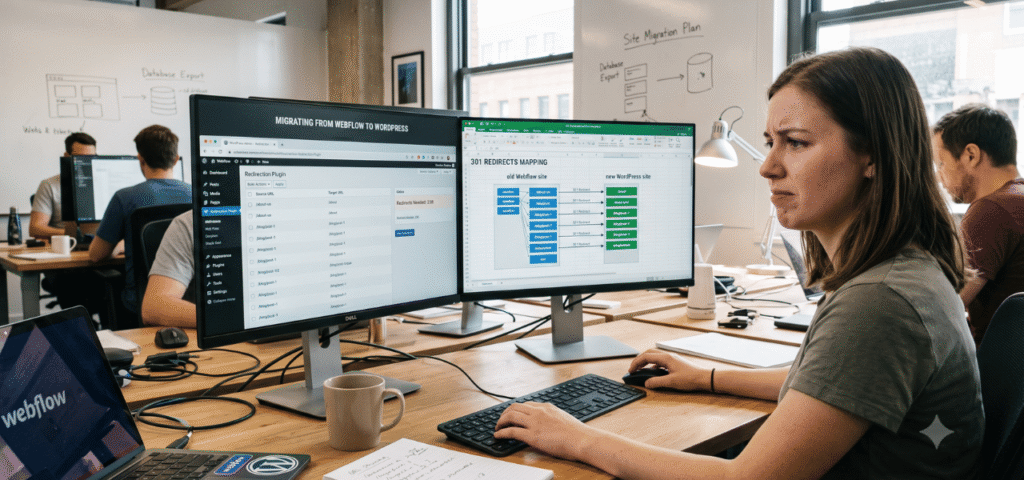
To handle redirects when migrating from Webflow to WordPress, build a URL map of every old Webflow URL and its new WordPress destination, then create 301 redirects inside WordPress (not Webflow) using the Redirection plugin, your SEO plugin, or .htaccess rules.
500 Internal Server Error in WordPress

To fix a 500 internal server error in WordPress, read your server’s error log first to find the real cause, then apply the matching fix: reset a corrupted .htaccess file, deactivate a conflicting plugin, raise the PHP memory limit, or correct file permissions.
WordPress White Screen of Death: How to Fix It

The WordPress white screen of death is a blank white page caused by a PHP fatal error, most often a plugin conflict, an exhausted memory limit, a broken theme, or a PHP version incompatibility.
How to Migrate WordPress Website Without Downtime or Data Loss

To migrate a WordPress site without downtime or data loss: back up everything first, copy your files and database to the new server, test the new site on a temporary address, and only then repoint your domain.
Common WordPress Errors and How to Fix Them (2026 Guide)

The most common WordPress errors are the white screen of death, the 500 internal server error, “error establishing a database connection,” being stuck in maintenance mode, 404 errors, the memory exhausted error, and login redirect loops.
How to Fix a Slow WordPress Website (Complete Speed Guide 2026)

To fix a slow WordPress website, diagnose the real cause first with a free tool like PageSpeed Insights, then fix in order of impact: upgrade slow hosting (the most common culprit), add caching and a CDN, optimize images to WebP, remove heavy plugins, and clean your database.