
Fix the WordPress 403 Forbidden Error
A 403 Forbidden error means the server or an intermediary such as a firewall understood your request but is refusing access.
WordPress Staging Site: How to Test Changes Safely in 2026
A WordPress staging site is a private copy of your live site where you can update plugins, switch themes, or test code changes without a single visitor seeing a broken page.
How to Optimize Images for WordPress (Size, Format and Image SEO)
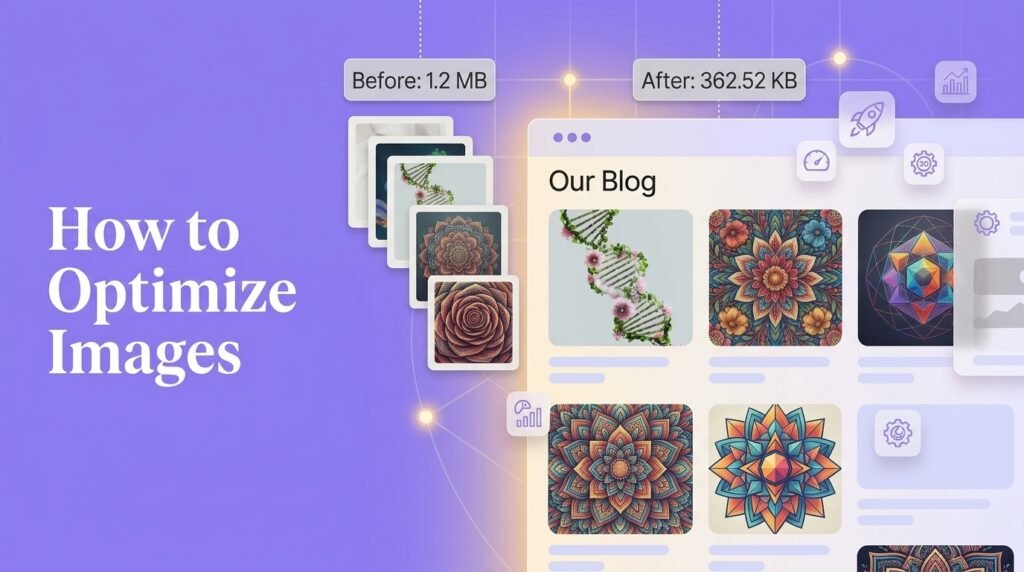
To optimize images for WordPress, resize them to their real display width before uploading, convert them to WebP, add width and height attributes, and lazy-load everything except your hero image.
How to Fix WordPress Emails Not Sending (SMTP Guide)

WordPress emails fail because WordPress uses PHP’s mail() function by default, which most hosts block or leave unauthenticated.
WordPress Backup Guide: How to Back Up (and Actually Restore) Your Site

To back up WordPress properly, capture both your files and your database on a schedule, send at least one copy off your hosting account, and keep an extra copy before every update.
How to Fix a WordPress Plugin That Is Not Working
To fix a WordPress plugin that is not working, work from the cheapest cause to the most involved. Clear your cache, confirm the plugin’s license and any dependencies are active, then update WordPress, the plugin, PHP, and your theme.
How to Stop Contact Form Spam in WordPress (Without CAPTCHA)
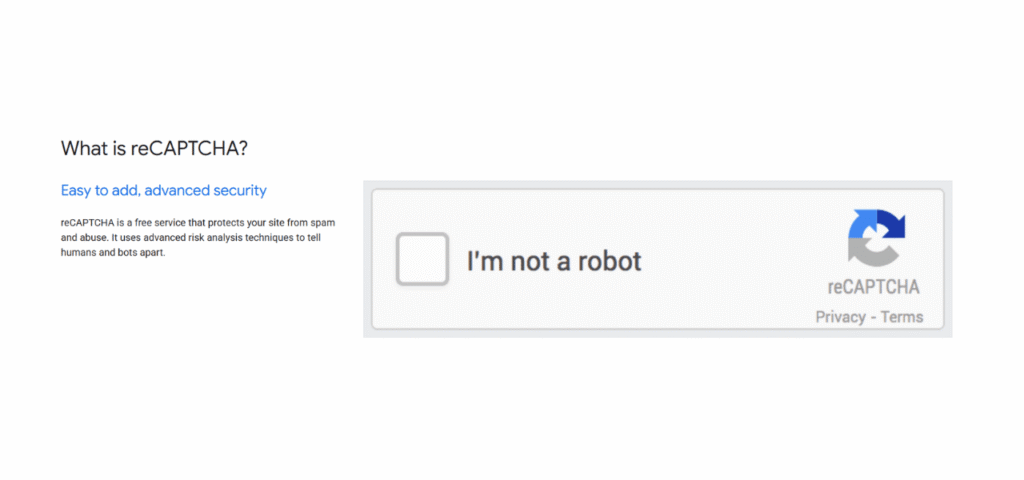
To stop contact form spam in WordPress, layer three invisible defences instead of adding a CAPTCHA: turn on your form plugin’s built-in honeypot and time check, add Cloudflare Turnstile, then add Akismet to filter message content.
How to Speed Up an Elementor Website: 7 Fixes That Work
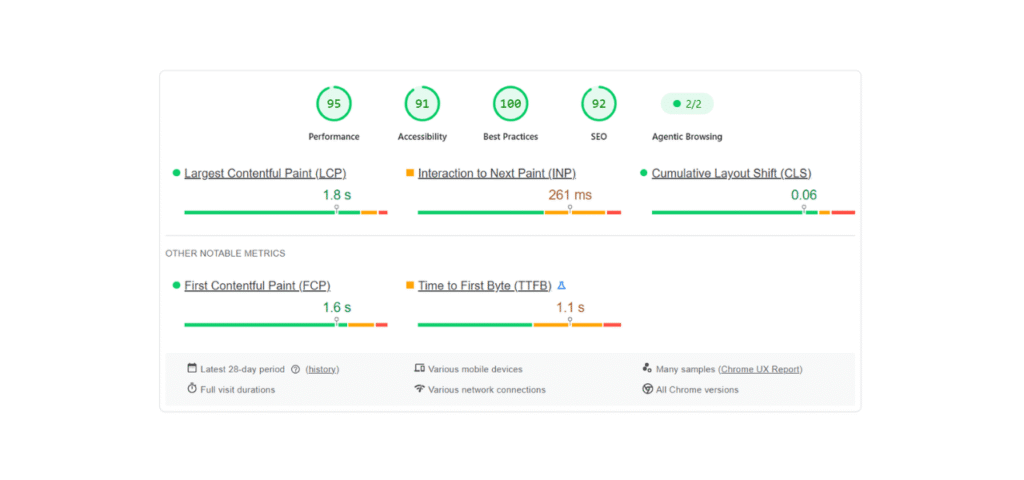
To speed up an Elementor website, first turn on Elementor’s own performance settings (Flexbox Container, Optimize DOM Output, Lazy Load Background Images) and disable unused widgets in Element Manager.
Squarespace vs WordPress: Which One Should You Choose in 2026?
Most Squarespace vs WordPress comparisons hand out category winners and stop there. That misses what actually decides whether you regret the choice.
How Do I Duplicate a Page in WordPress? (All Methods Explained)
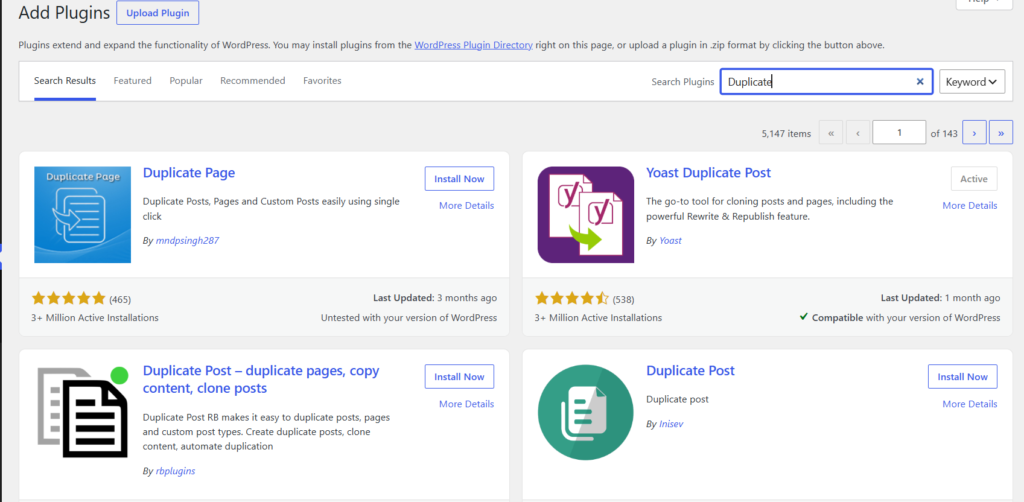
To duplicate a page in WordPress, either install a free plugin like Yoast Duplicate Post and click Clone on any page, or open the page in the block editor, choose Copy all blocks from the three-dot menu, and paste into a new page.