
How to Change Your WordPress Domain Name (and What It Really Costs in Traffic)
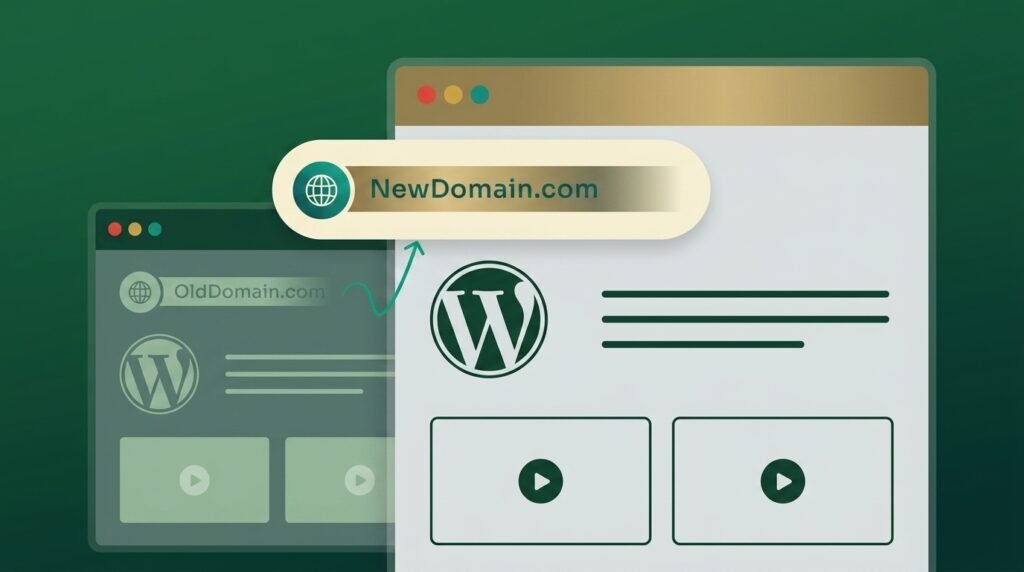
To change your WordPress domain name without losing rankings: check the new domain’s history, back up, map every old URL to its closest new URL, update WordPress with a serialisation-aware search-replace, put 301 redirects in place, and submit a Change of Address in Search Console for every variant of the old domain.
WordPress Backup Restore Failed: How to Recover What You Can

Start with one question: did a single restore point fail, or do all of them fail the same way? If one archive is broken, use a different one.
Why Is My WordPress Admin Dashboard So Slow?
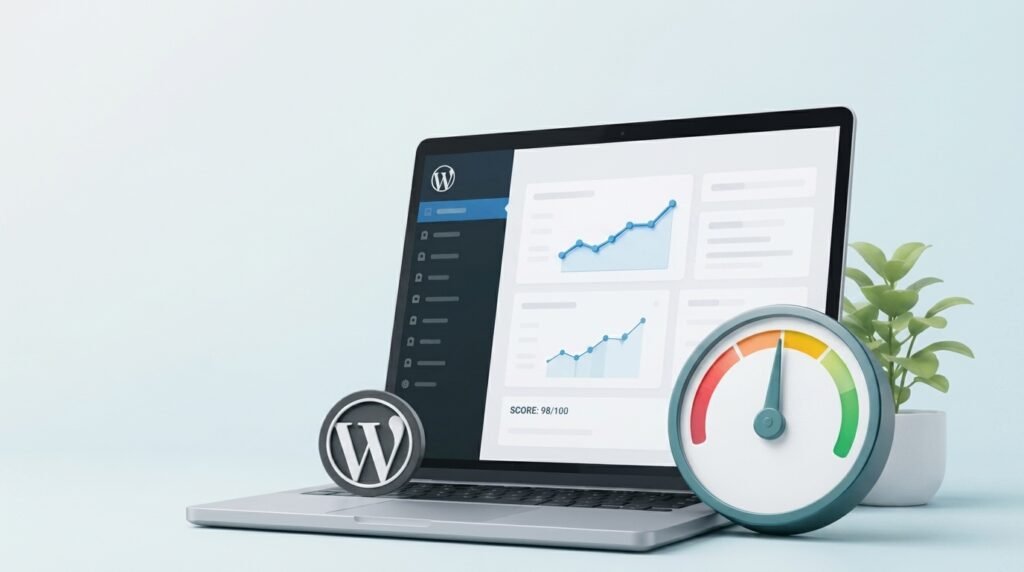
A slow WordPress admin dashboard is a different problem from a slow website. Your front end is fast because caching serves visitors a saved copy of each page.
Why Your WordPress Theme Doesn’t Look Like the Demo
Your WordPress theme doesn’t look like the demo because a theme ships design, not content. The demo site is pre-filled with pages, images and settings that do not come with the download.
WordPress Site Down After a Plugin Update?
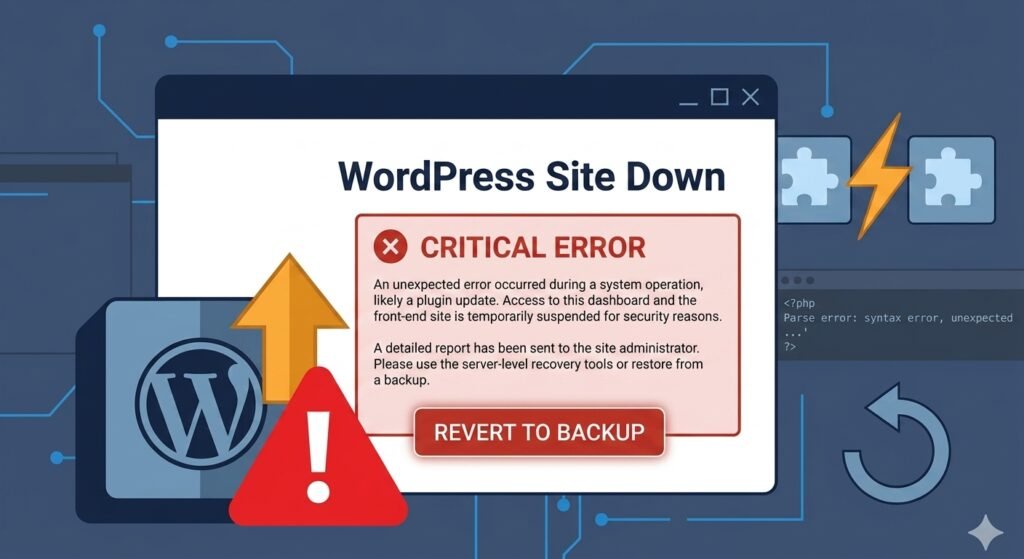
A WordPress site down after update recovers in three steps: get back into wp-admin, deactivate the plugin you just updated, then roll that one plugin back to its previous version. Your content is almost certainly fine.
Turning AI-Generated Designs Into a Working WordPress Site
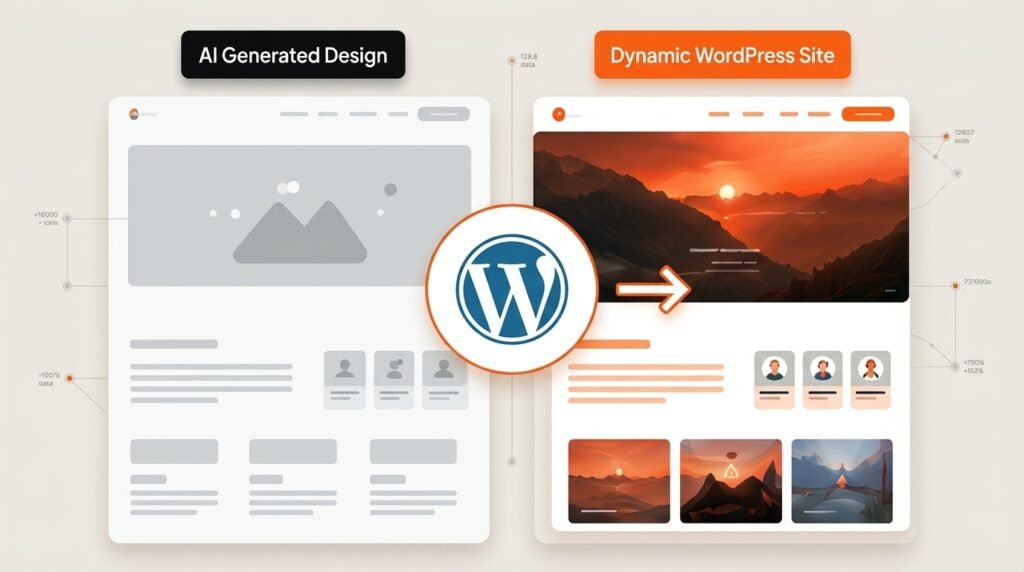
Taking an AI-generated design to WordPress works when you keep the design and rebuild the code. The export is a high-fidelity reference, not a codebase.
Fake reCAPTCHA on WordPress: What It Means and What to Do
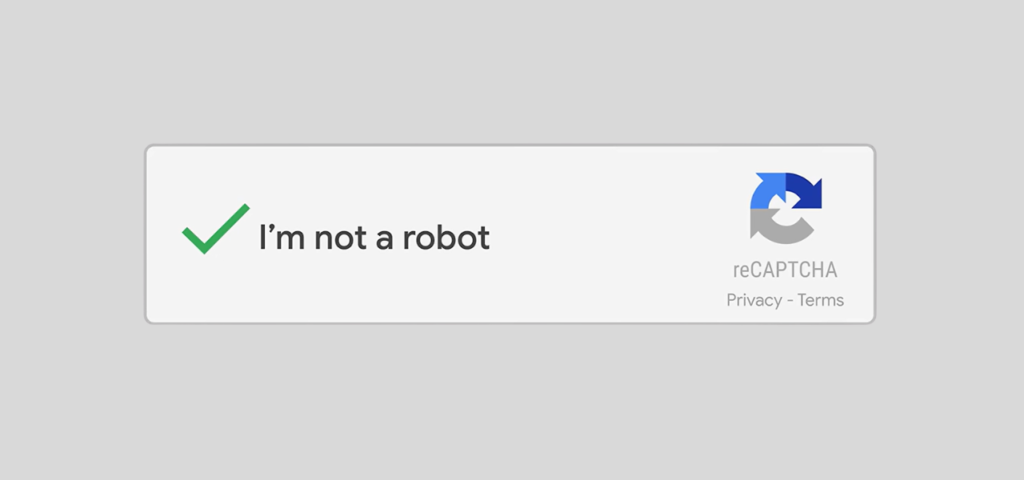
If visitors are seeing a reCAPTCHA, Cloudflare verification screen, or “prove you are human” message on your WordPress site that you did not add, treat it as a possible website compromise or a fake reCAPTCHA on your website.
Does My WordPress Site Need a Redesign or Just a Fix?
A broken form, slow homepage, or outdated section does not automatically mean your WordPress website needs a full redesign.
How to Secure a WordPress Site: What Actually Matters First
To secure a WordPress site, start where the attacks actually come from.
WordPress Site Hacked? What to Do, From the First Hour to a Clean Site

If your WordPress site is hacked, here is what to do: take it offline, preserve a full snapshot as evidence, rotate every credential and end all sessions, and bring in your host.