
Why Does a Video Background Slow Down My Website?

Three things cause it: the file is large and delays the page’s largest visible element, autoplay competes with the code the browser needs to render everything else, and continuous decoding drains processing power on phones. All three are fixable.
How Do I Modernize My WordPress Site Without Rebuilding It?
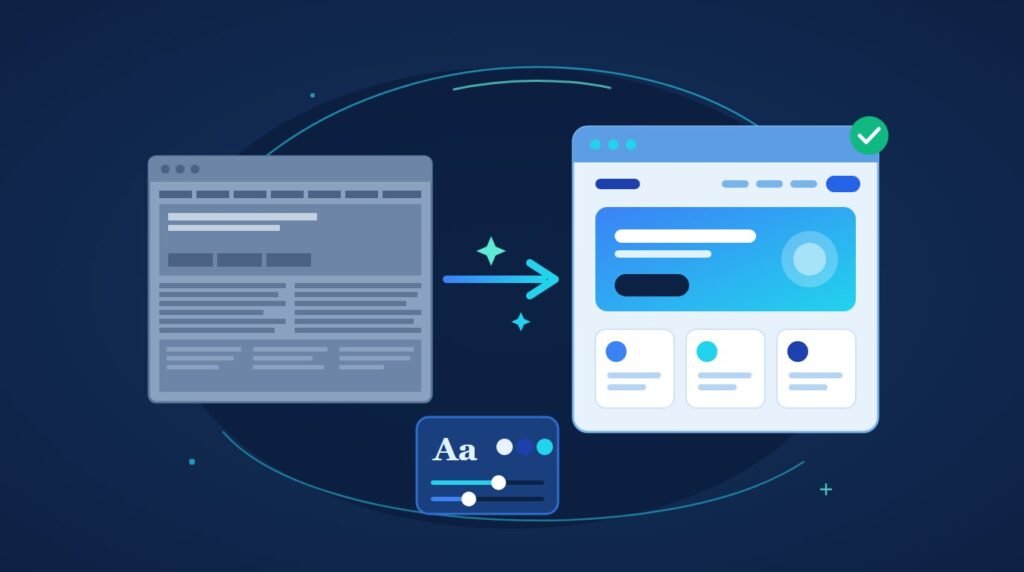
You can modernize a WordPress website without losing a single post, because WordPress keeps your content in the database and your design in the theme.
How to Convert a Lovable AI Website to WordPress
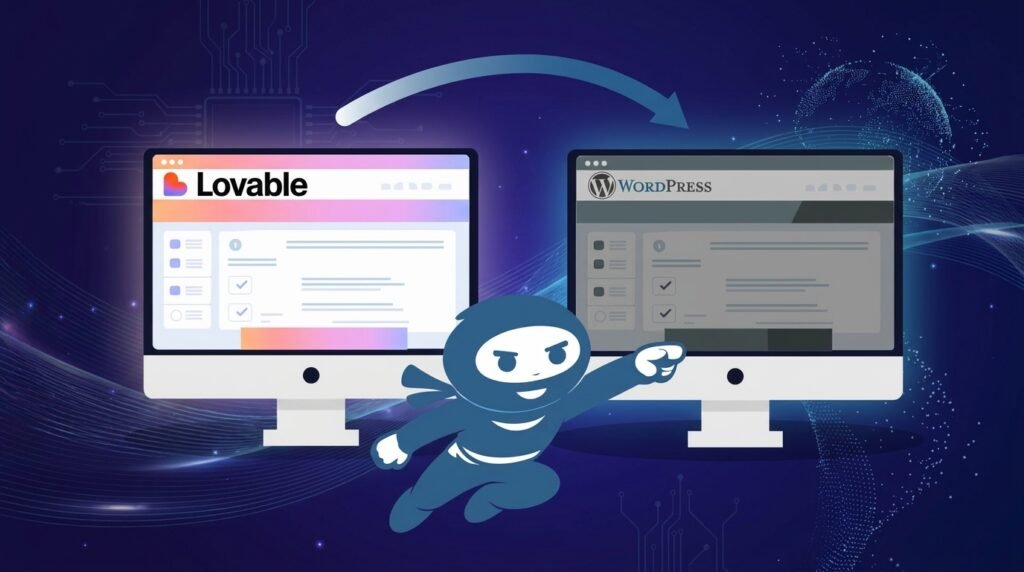
You can convert Lovable to WordPress in about an hour with a conversion tool, and what you get is the design: layout, typography, colours and responsive CSS packaged as a theme. Everything dynamic stays behind.
How Do I Create a Popup in WordPress?
Check what you already have before installing anything. Elementor Pro puts a popup builder in your dashboard already, at no extra cost.
How to Find and Fix Broken Links in WordPress
Google Search Console already lists the broken links on your site, for free, with no plugin and no load on your server. A free crawler finds the rest.
How to Audit Your Own WordPress Site in 30 Minutes
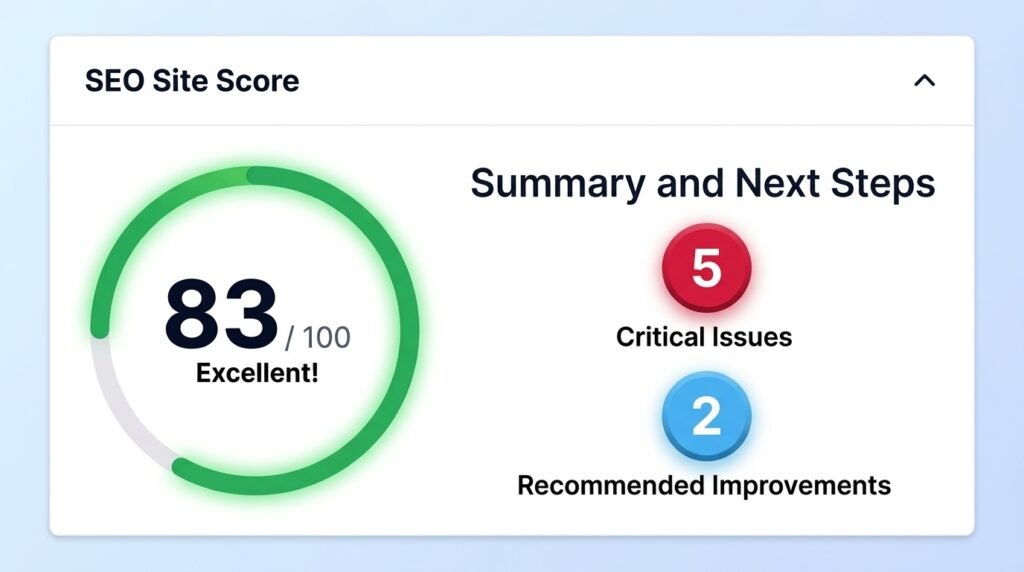
Sort what you find by what it costs you, not by which category it belongs to. Check whether anything is losing you money today, then whether anything is about to break, then whether people can find you.
502 Bad Gateway in WordPress: How Long Did You Wait?
A 502 Bad Gateway in WordPress means the server in front of your site asked your server for a page and got nothing usable back.
Deleted a WordPress Theme and Now the Site Won’t Load
Upload any working theme into wp-content/themes/ and the site will come back. Your posts, pages, images and page layouts are not gone, because deleting a theme removes files and leaves the database untouched.
White Label WordPress Support vs Maintenance: What Agencies Should Sell
White label WordPress support means a specialist partner handles site care while your agency sells it under your own brand. Your client sees your reports, your name and your team. The partner stays invisible.
Core Web Vitals in WordPress: Why a Fast Site Still Fails
Core Web Vitals in WordPress fail on field data, not on your PageSpeed score. The score is a single simulated lab test. The assessment uses real Chrome visitors over a trailing 28 days, measured at the 75th percentile.