
I Added a Cookie Banner in WordPress With Elementor MCP and the Atomic Editor in a Few Clicks (Timed)
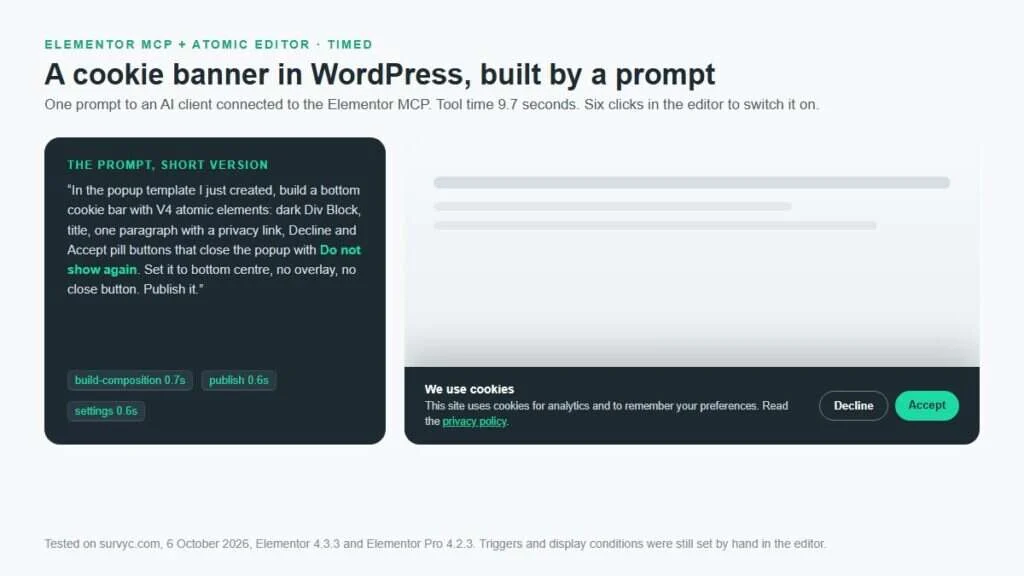
I added a cookie banner in WordPress with Elementor MCP by having an AI client build an Elementor Pro popup from atomic elements: 9.7 seconds of tool time, one layout fix, then six clicks in the editor for the template, display condition and trigger. The banner remembers Accept or Decline, but it is a notice, not consent management.
How to Create a Popup With the Atomic Editor in Elementor Pro
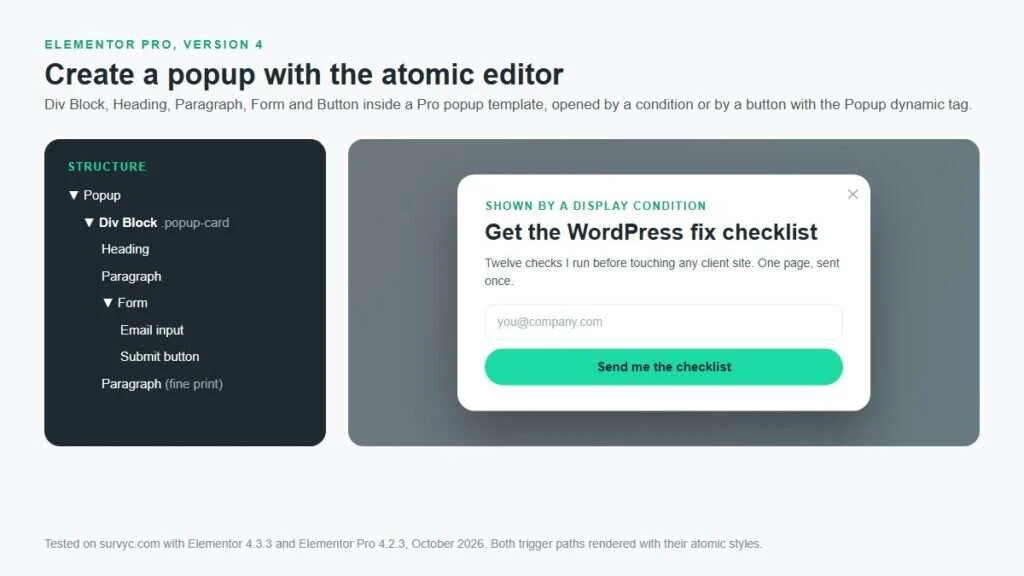
To create a popup with the atomic editor, open Templates, Popups, Add New in Elementor Pro 4, build it from a Div Block holding a Heading, Paragraph, Form and Button, set width and close button in Popup Settings, publish with a condition and a trigger, and open it from any V4 button with the Popup dynamic tag.
What Is the Atomic Editor in Elementor?
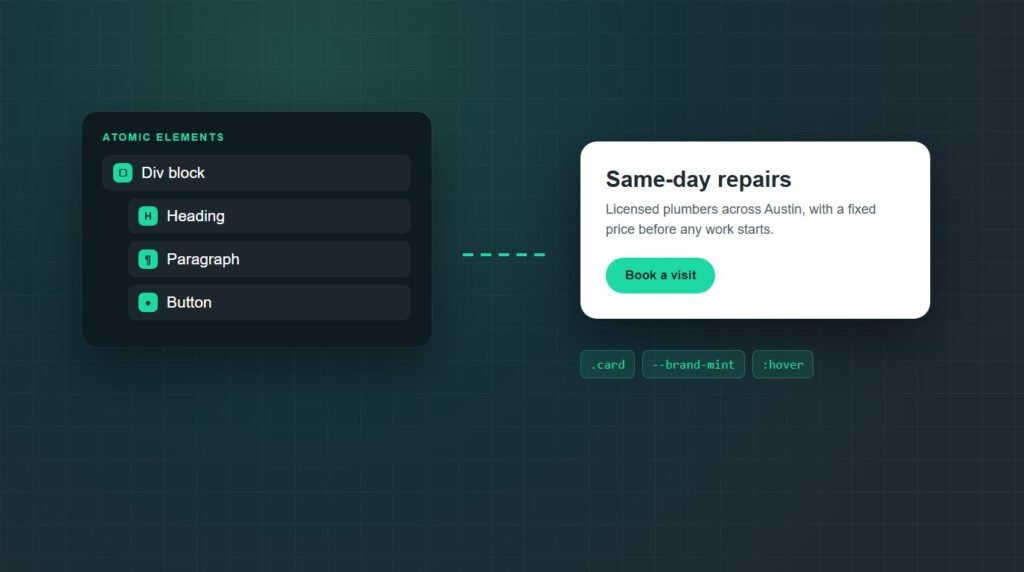
The Atomic Editor is Elementor’s version 4 editor. It replaces the classic widgets with atomic elements, small single-purpose blocks such as Div block, Heading, Paragraph, and Button, all styled through one shared Style tab with reusable classes and variables.
How to Hide the Header in Elementor (WordPress)
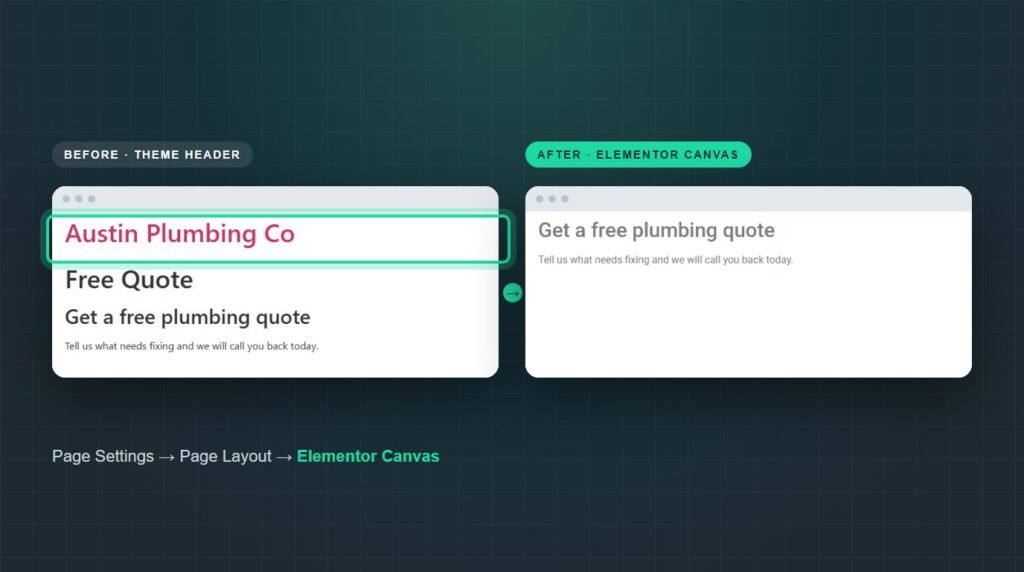
To hide the header on an Elementor page in WordPress, open the page in Elementor, click the Page Settings icon in the top bar, and set Page Layout to Elementor Canvas.
Is WordPress Multisite One Theme or Multiple?
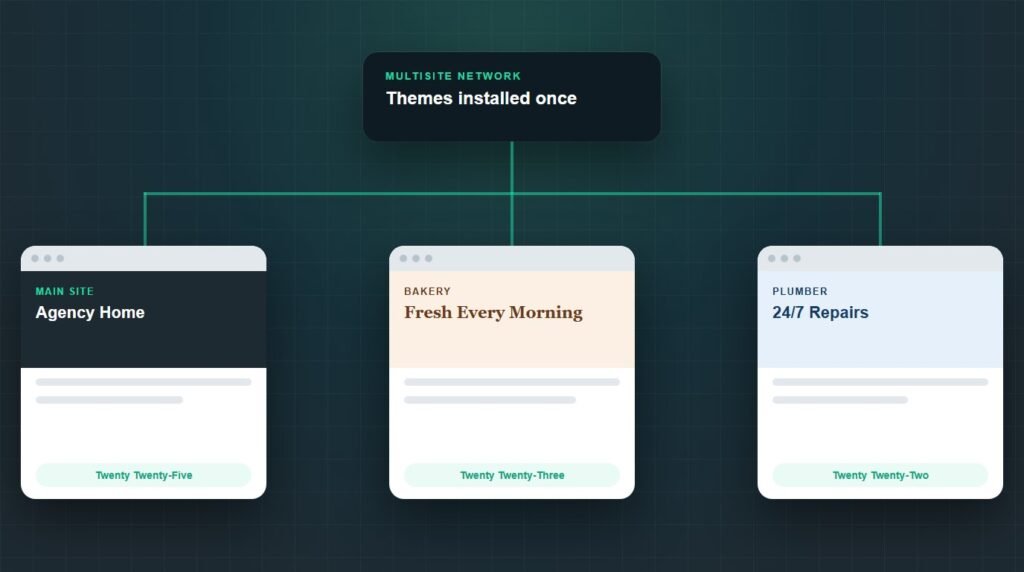
WordPress Multisite supports multiple themes. Every site in the network can run a different theme at the same time, chosen from the themes the network administrator has installed and enabled.
Best Forum Plugin for WordPress With LearnDash Integration
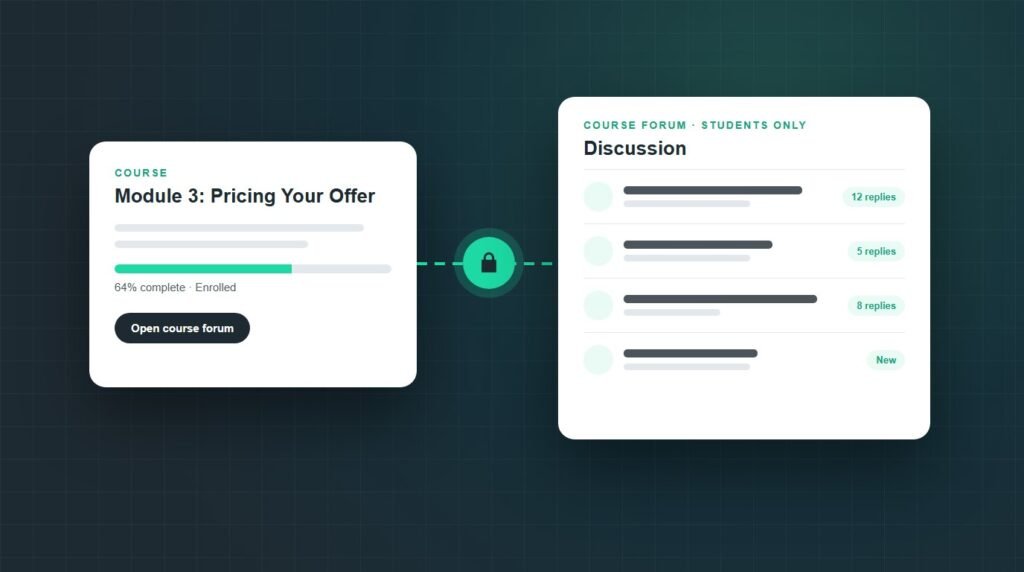
The best forum plugin for WordPress with LearnDash integration, for most course sites, is bbPress with LearnDash’s free bbPress add-on.
How to Make a Clickable Phone Number in WordPress
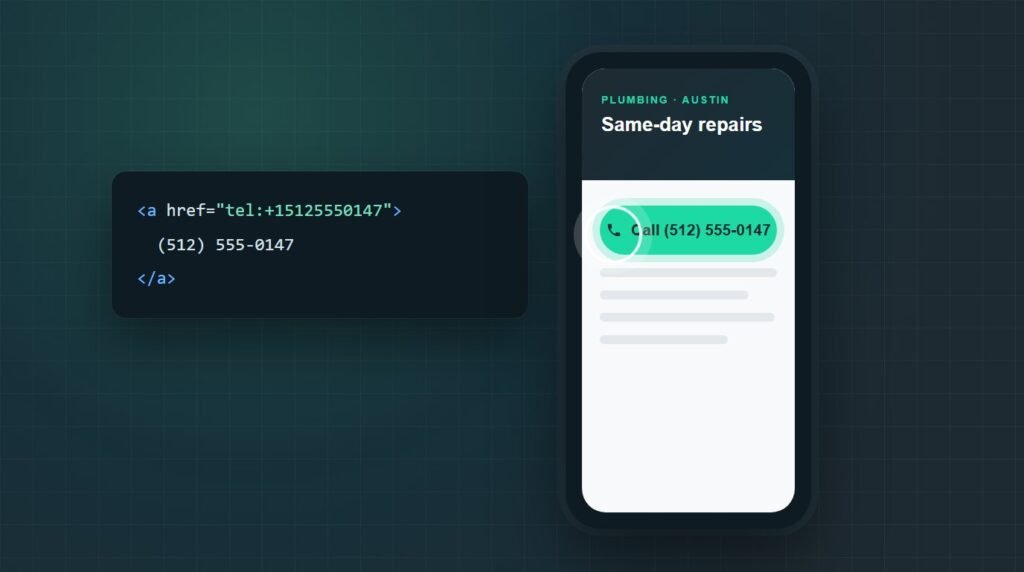
To make a clickable phone number in WordPress, turn the number into a tel: link.
How to Protect WordPress Files
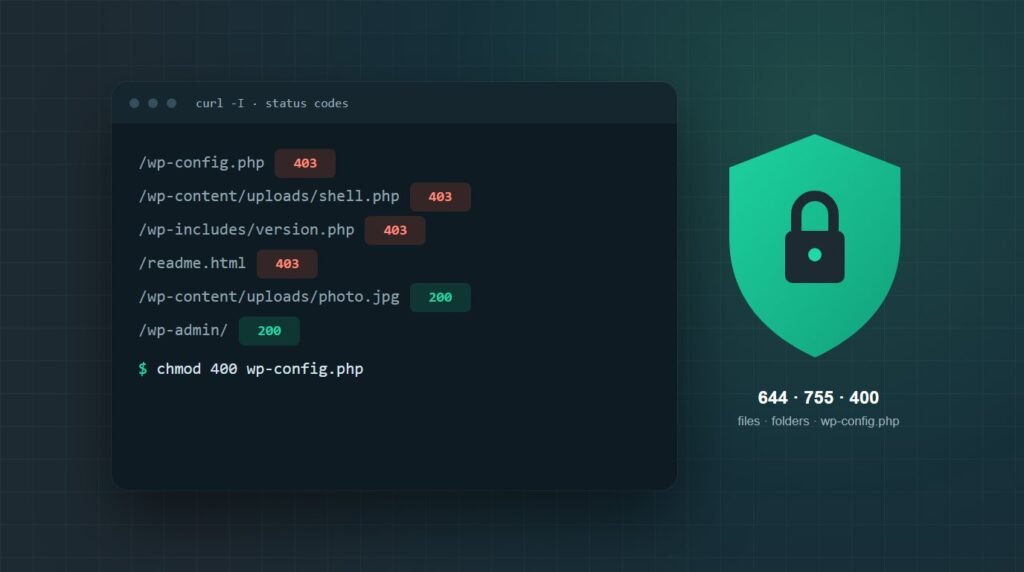
To protect WordPress files, set files to 644 and folders to 755, lock wp-config.php to 400 or 440, turn off the dashboard file editor, stop PHP from running in wp-content/uploads, and block direct access to include-only files, backups, and logs.
Are HighLevel WordPress Sites Fast and Reliable?
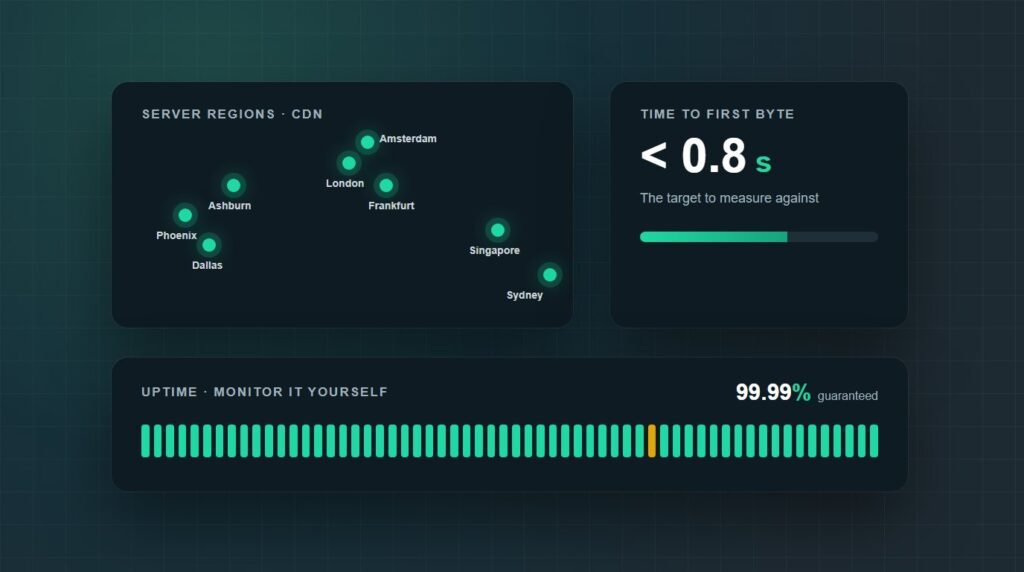
Are HighLevel WordPress sites fast and reliable? On infrastructure, yes. HighLevel hosts WordPress on Linux VPS servers behind Cloudflare’s Enterprise CDN, with unlimited PHP workers, daily backups kept for 30 days, staging, and a 99.99% uptime guarantee.
How to Add Meta Keywords in WordPress Without a Plugin
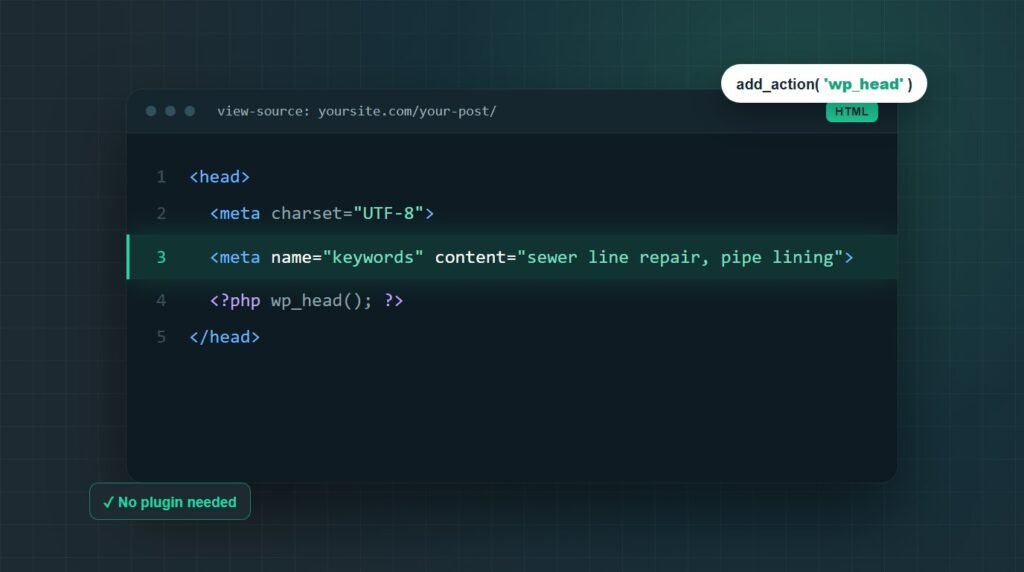
To add meta keywords in WordPress without a plugin, paste a short PHP function into your child theme’s functions.php, or a must-use plugin file, that hooks into wp_head and prints a meta keywords tag.