
Your Website Isn’t Getting Leads: Check This Before You Redesign
Four things cause a website to stop producing inquiries, and only one of them is a design problem. The enquiry reached you and you never saw it. Nobody is arriving. The wrong people are arriving.
How to Audit Your Own WordPress Site in 30 Minutes
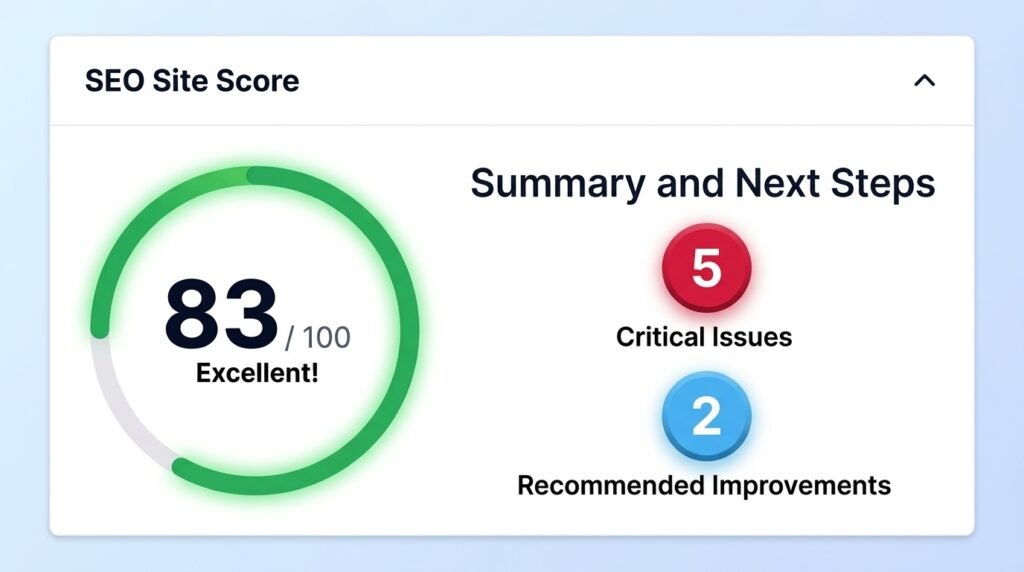
Sort what you find by what it costs you, not by which category it belongs to. Check whether anything is losing you money today, then whether anything is about to break, then whether people can find you.
502 Bad Gateway in WordPress: How Long Did You Wait?
A 502 Bad Gateway in WordPress means the server in front of your site asked your server for a page and got nothing usable back.
Deleted a WordPress Theme and Now the Site Won’t Load
Upload any working theme into wp-content/themes/ and the site will come back. Your posts, pages, images and page layouts are not gone, because deleting a theme removes files and leaves the database untouched.
WooCommerce Shipping Not Showing at Checkout: Find the Cause First
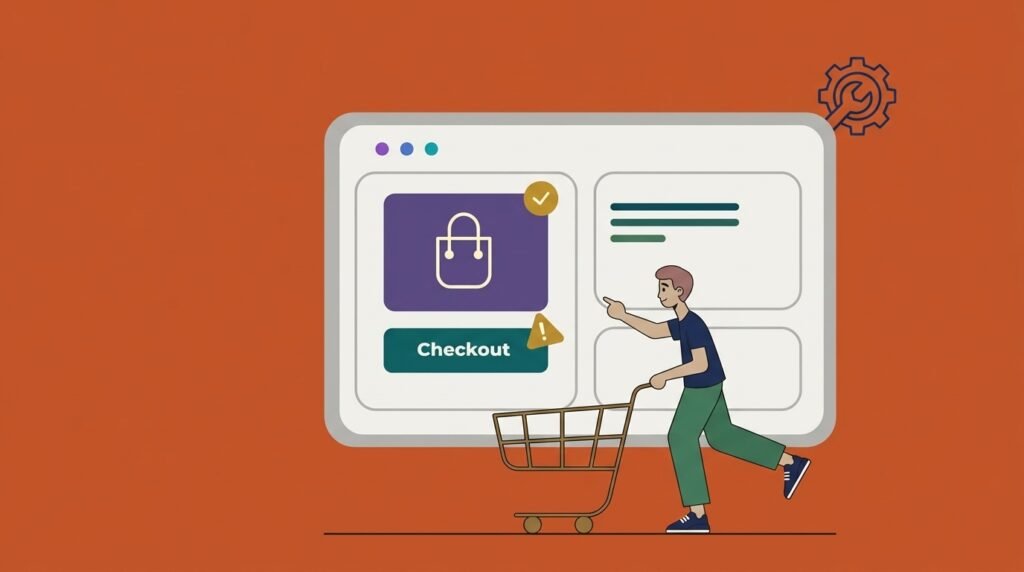
When WooCommerce shipping not showing at checkout, turn on shipping debug mode before you touch a single setting.
Your Web Developer Disappeared: How to Get Control of Your Site
If your web developer disappeared, check the domain first. If it is registered in your name, everything else has a replacement path and you will get your site back.
White Label WordPress Support vs Maintenance: What Agencies Should Sell
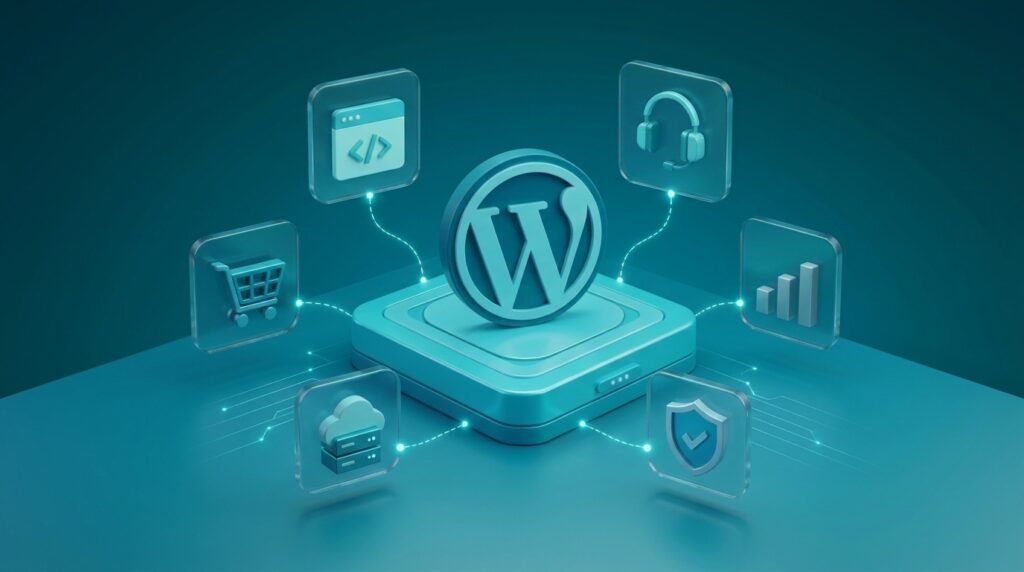
White label WordPress support means a specialist partner handles site care while your agency sells it under your own brand. Your client sees your reports, your name and your team. The partner stays invisible.
Core Web Vitals in WordPress: Why a Fast Site Still Fails
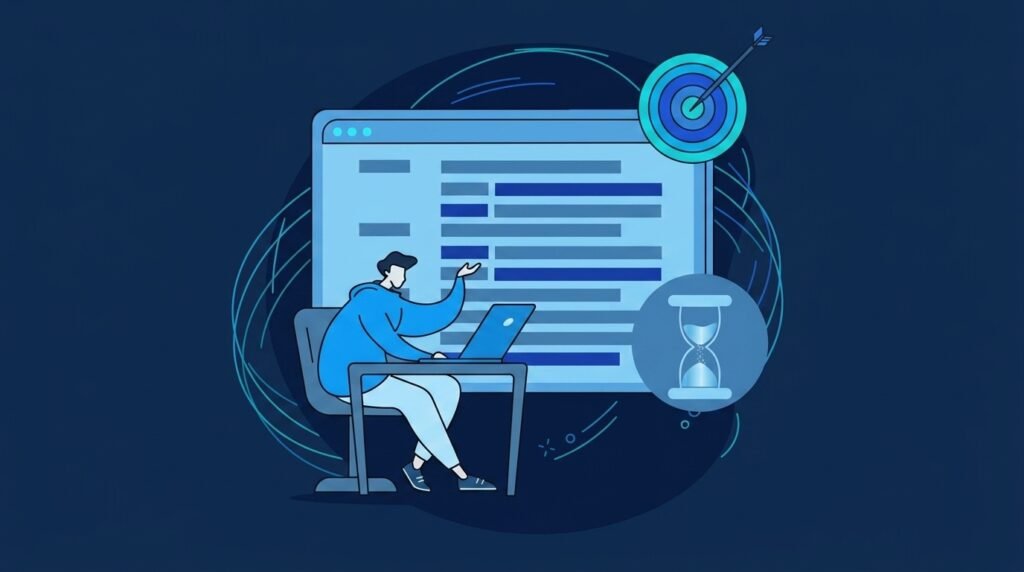
Core Web Vitals in WordPress fail on field data, not on your PageSpeed score. The score is a single simulated lab test. The assessment uses real Chrome visitors over a trailing 28 days, measured at the 75th percentile.
How to Change Your WordPress Domain Name (and What It Really Costs in Traffic)
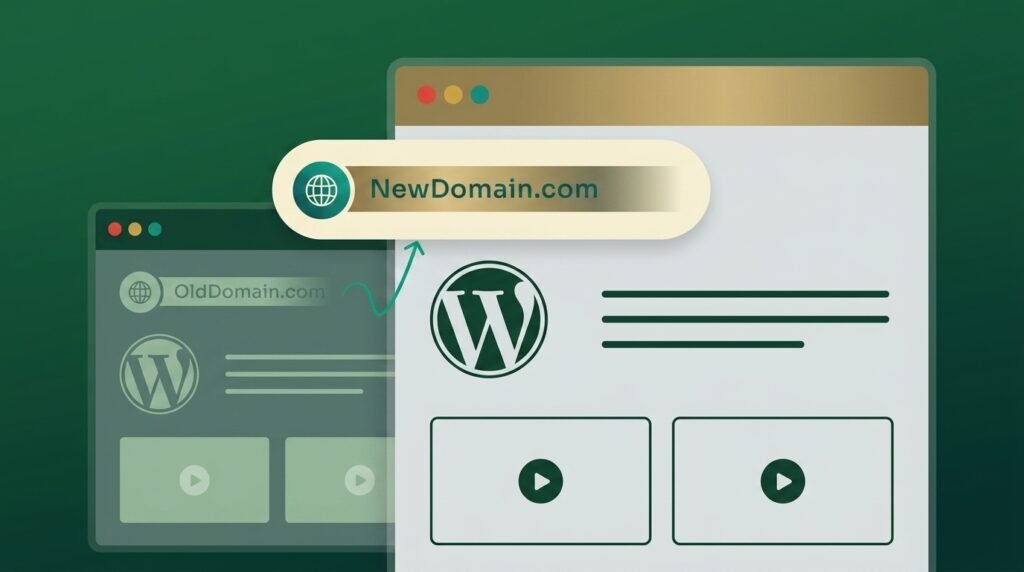
To change your WordPress domain name without losing rankings: check the new domain’s history, back up, map every old URL to its closest new URL, update WordPress with a serialisation-aware search-replace, put 301 redirects in place, and submit a Change of Address in Search Console for every variant of the old domain.
WordPress Backup Restore Failed: How to Recover What You Can

Start with one question: did a single restore point fail, or do all of them fail the same way? If one archive is broken, use a different one.