
How to Perform an AI Brand Visibility Competitive Analysis
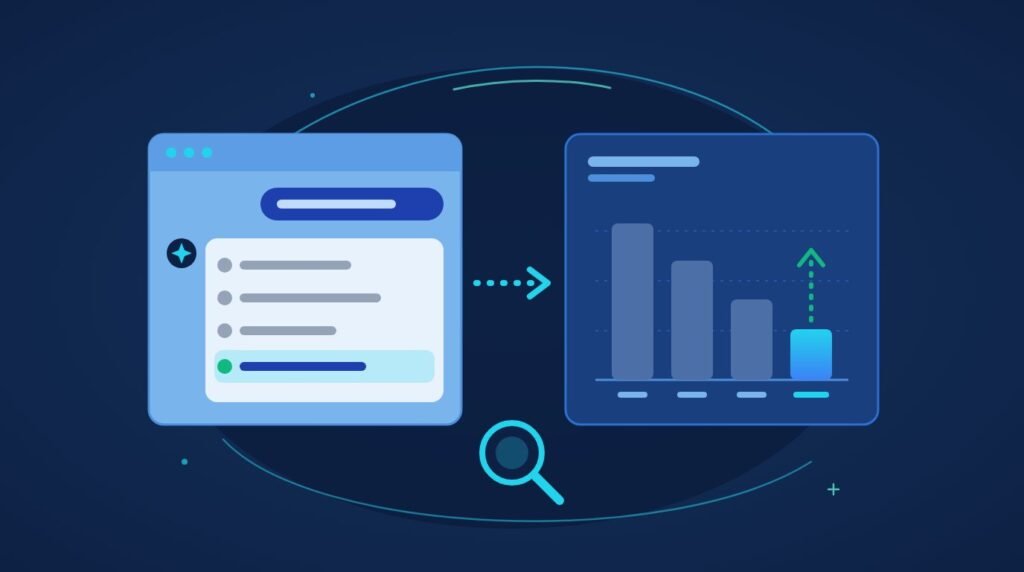
An AI brand visibility competitive analysis measures how often ChatGPT, Perplexity, and Google AI Overviews name your brand compared with competitors.
Why Does a Video Background Slow Down My Website?
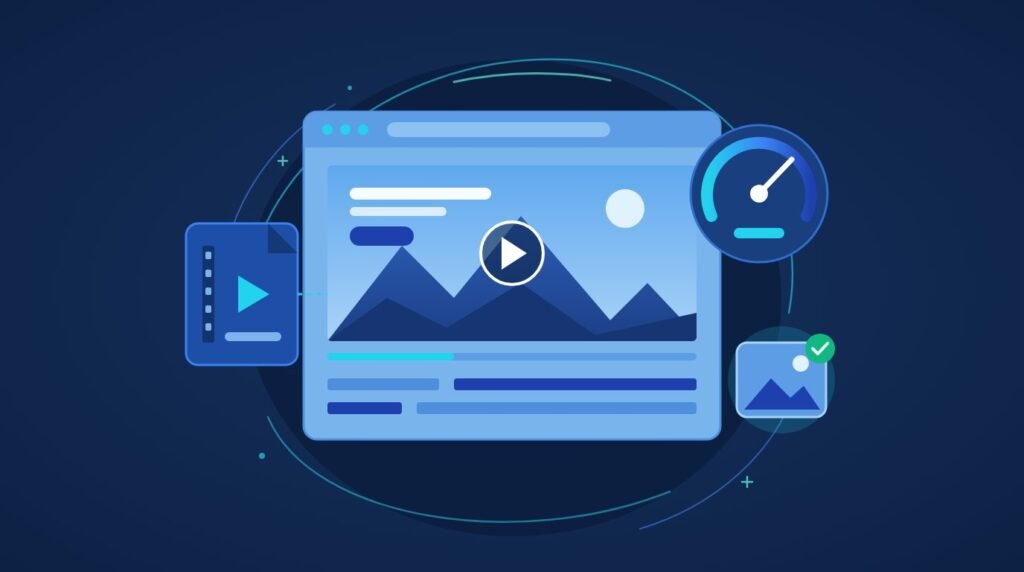
Three things cause it: the file is large and delays the page’s largest visible element, autoplay competes with the code the browser needs to render everything else, and continuous decoding drains processing power on phones. All three are fixable.
How Do I Modernize My WordPress Site Without Rebuilding It?
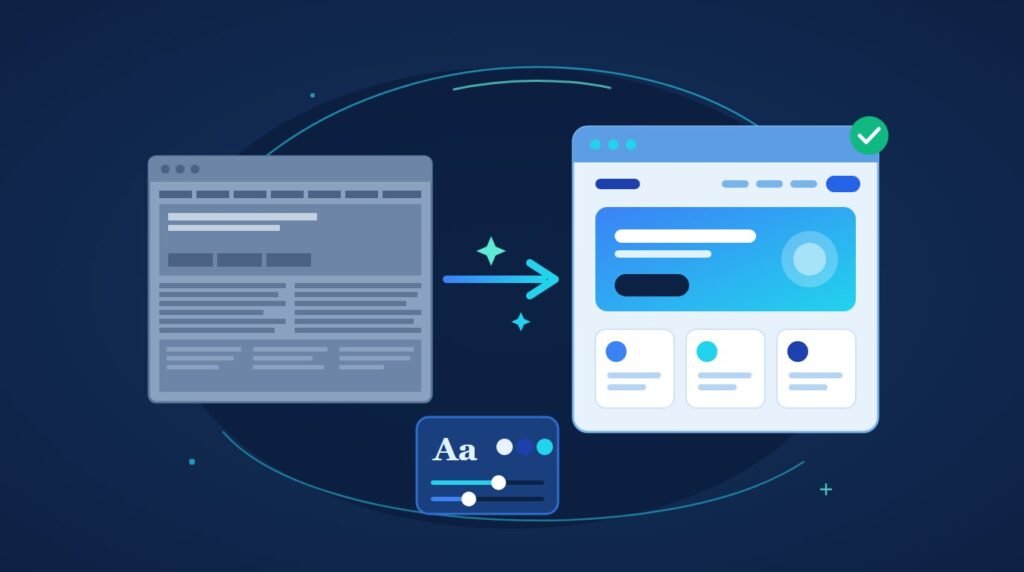
You can modernize a WordPress website without losing a single post, because WordPress keeps your content in the database and your design in the theme.
Is GEO Worth It for a Small Business?
Yes, and for most small businesses it is not a separate thing to buy. Generative engine optimization is the SEO foundation you should already have, plus four adjustments that cost time rather than money.
Why Doesn’t ChatGPT Show My Customer Reviews?
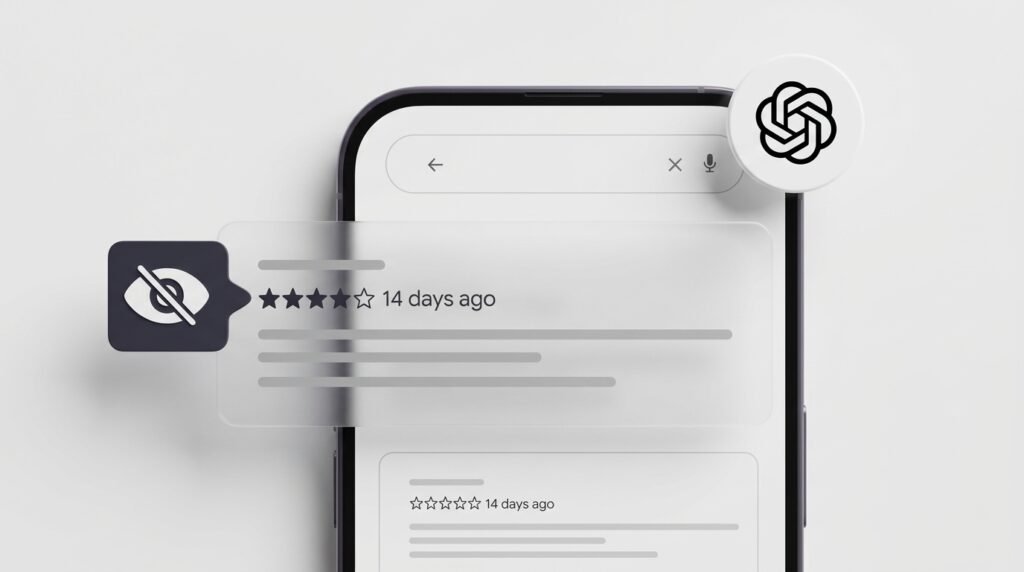
Your reviews are real, and they are in a place ChatGPT does not read.
What Is Entity SEO?

Entity SEO is the practice of making search engines and AI systems recognise your business, your people and your topics as distinct, well-defined things rather than ambiguous strings of text. You establish one authoritative source of facts about yourself.
Why Isn’t My Business Showing Up in AI Answers?
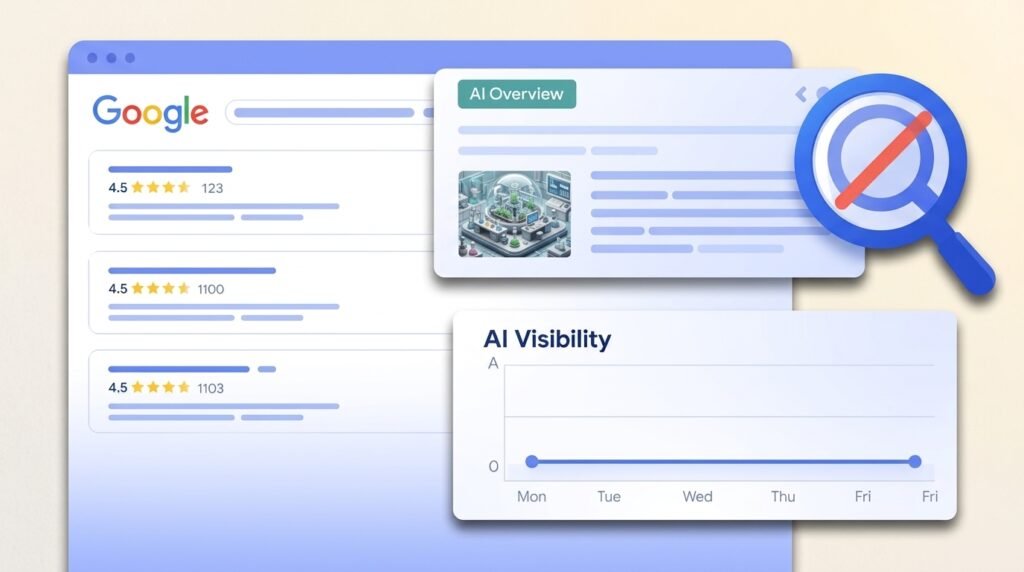
An AI engine has to do four things before it names you: find your content, work out what you are, decide you can be trusted, and choose you over the alternatives.
How to Convert a Lovable AI Website to WordPress
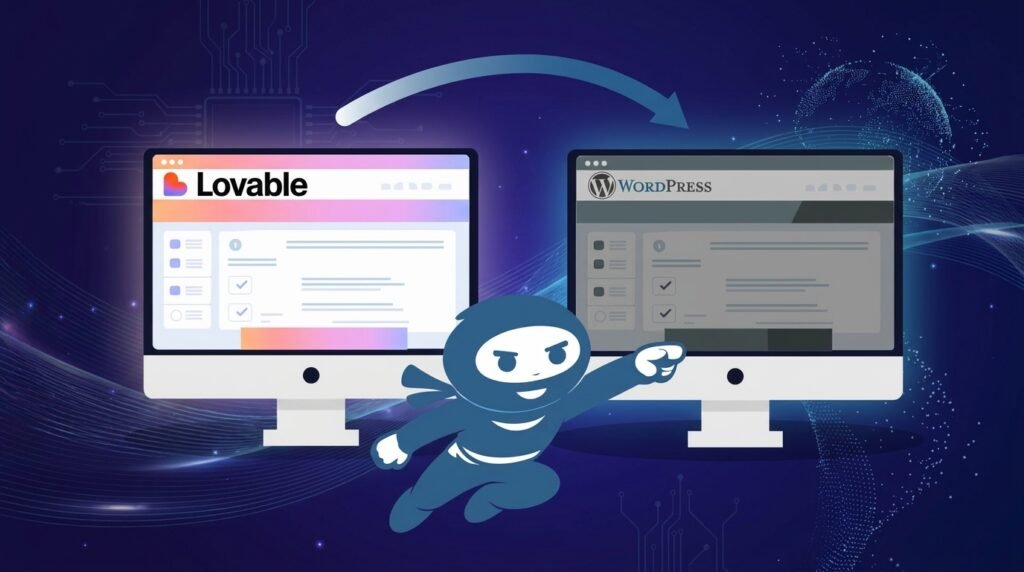
You can convert Lovable to WordPress in about an hour with a conversion tool, and what you get is the design: layout, typography, colours and responsive CSS packaged as a theme. Everything dynamic stays behind.
How Do I Create a Popup in WordPress?
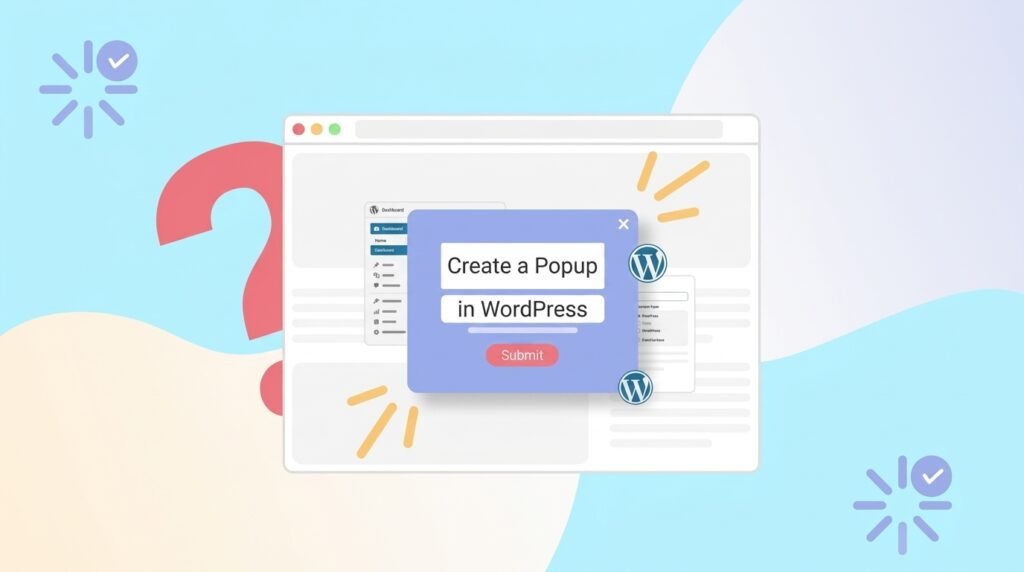
Check what you already have before installing anything. Elementor Pro puts a popup builder in your dashboard already, at no extra cost.
How to Find and Fix Broken Links in WordPress
Google Search Console already lists the broken links on your site, for free, with no plugin and no load on your server. A free crawler finds the rest.