
Does My WordPress Site Need a Redesign or Just a Fix?
A broken form, slow homepage, or outdated section does not automatically mean your WordPress website needs a full redesign.
How to Secure a WordPress Site: What Actually Matters First
To secure a WordPress site, start where the attacks actually come from.
WooCommerce Product Images Not Showing
WooCommerce product images not showing is a common issue that can be caused by missing thumbnails, broken image URLs, caching, CDN problems, theme conflicts, or variation settings.
How Much Does It Cost to Fix a WordPress Website?

The cost to fix a WordPress website ranges from $15 for a small cosmetic issue to $3,000 or more for a serious compromise. Most single problems on a business site land between $75 and $500 (as of August 2026).
WooCommerce Checkout Not Working Fixing Common Errors
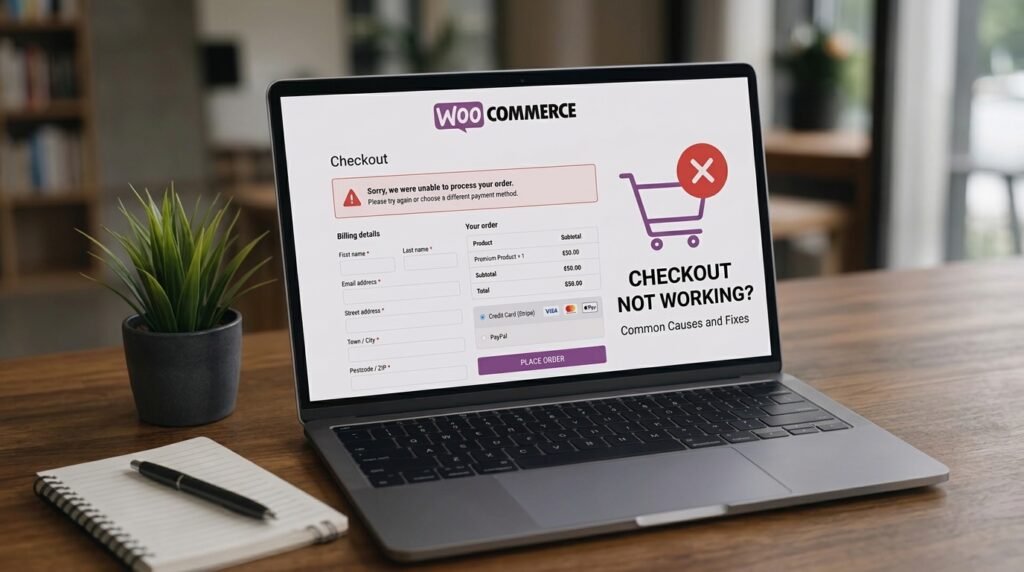
A broken WooCommerce checkout usually comes down to a plugin conflict, a payment gateway setting, a theme problem, or a missing webhook.
Common Elementor Problems and How to Fix Them
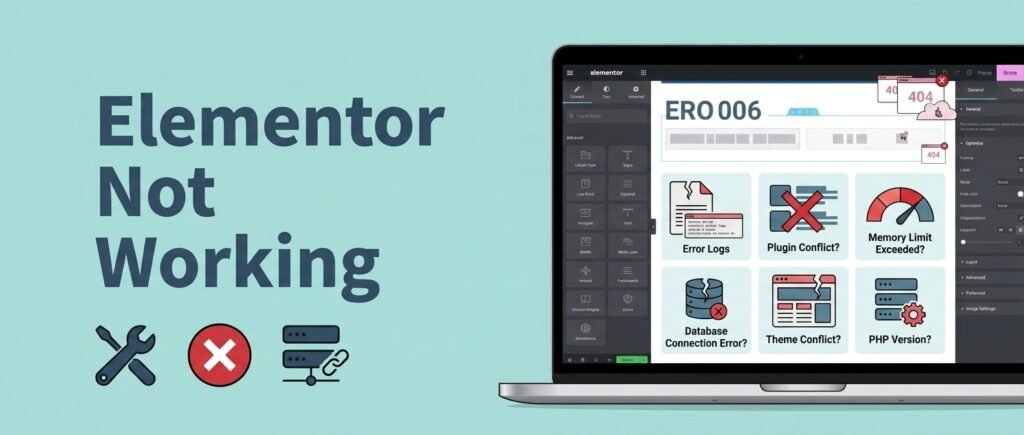
Elementor not working usually comes down to four causes: a PHP memory limit too low for the editor, a plugin or theme conflict, stale CSS that needs regenerating, or a version mismatch between Elementor and Elementor Pro.
Redesign Your Website Without Losing SEO Rankings

To redesign a website without losing SEO rankings, export a full baseline of your ranking URLs and traffic before anything changes, keep your URLs identical wherever possible, map a 301 redirect for every URL that must change, preserve the content and metadata on pages that already rank, and remove every staging noindex before launch.
How to Stop Contact Form Spam in WordPress (Without CAPTCHA)
To stop contact form spam in WordPress, layer three invisible defences instead of adding a CAPTCHA: turn on your form plugin’s built-in honeypot and time check, add Cloudflare Turnstile, then add Akismet to filter message content.
How to Speed Up an Elementor Website: 7 Fixes That Work
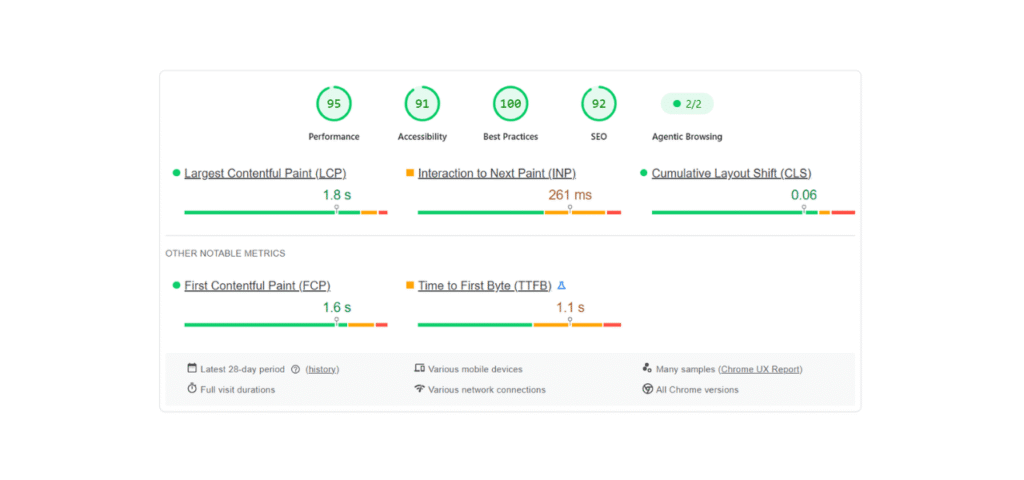
To speed up an Elementor website, first turn on Elementor’s own performance settings (Flexbox Container, Optimize DOM Output, Lazy Load Background Images) and disable unused widgets in Element Manager.
How to Build an AI Shopping Assistant for Your Ecommerce Store

Last year, I watched a customer move between three similar products on our online store. She checked the size guide, opened the shipping page, returned to the product descriptions, and finally typed a question into live chat.