
I Added a Cookie Banner in WordPress With Elementor MCP and the Atomic Editor in a Few Clicks (Timed)
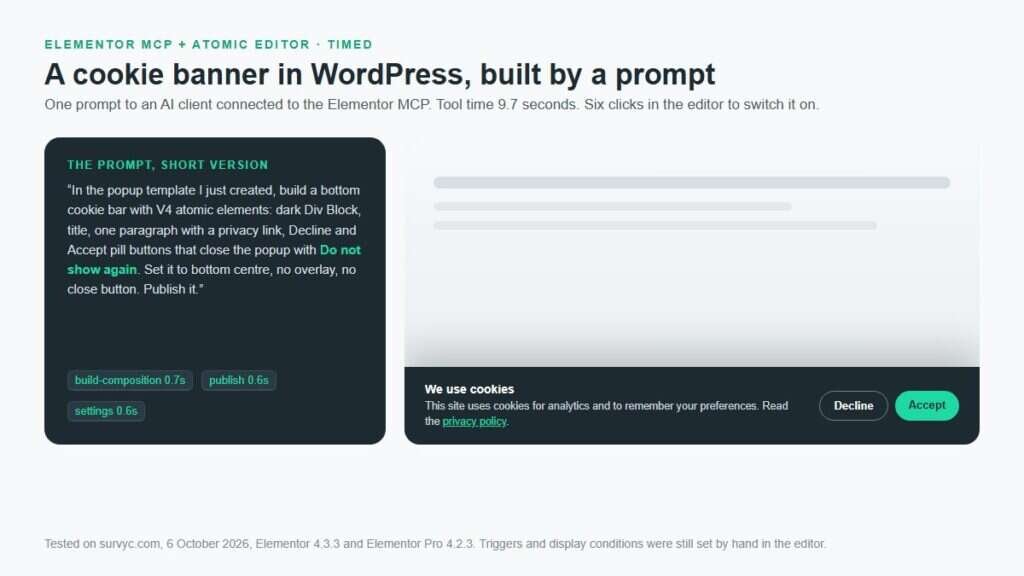
I added a cookie banner in WordPress with Elementor MCP by having an AI client build an Elementor Pro popup from atomic elements: 9.7 seconds of tool time, one layout fix, then six clicks in the editor for the template, display condition and trigger. The banner remembers Accept or Decline, but it is a notice, not consent management.
How to Create a Popup With the Atomic Editor in Elementor Pro
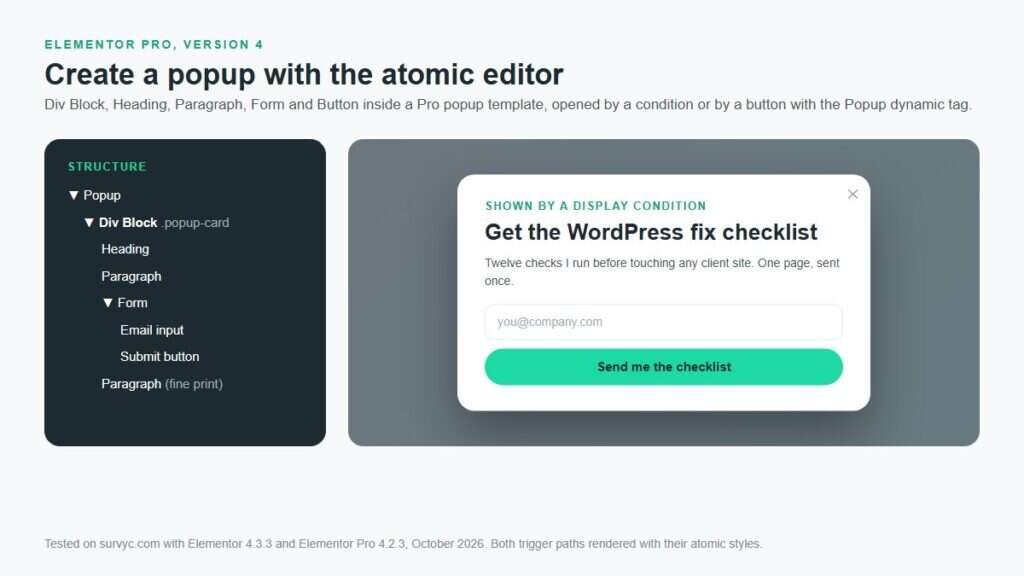
To create a popup with the atomic editor, open Templates, Popups, Add New in Elementor Pro 4, build it from a Div Block holding a Heading, Paragraph, Form and Button, set width and close button in Popup Settings, publish with a condition and a trigger, and open it from any V4 button with the Popup dynamic tag.
How to Add Meta Keywords in WordPress Without a Plugin
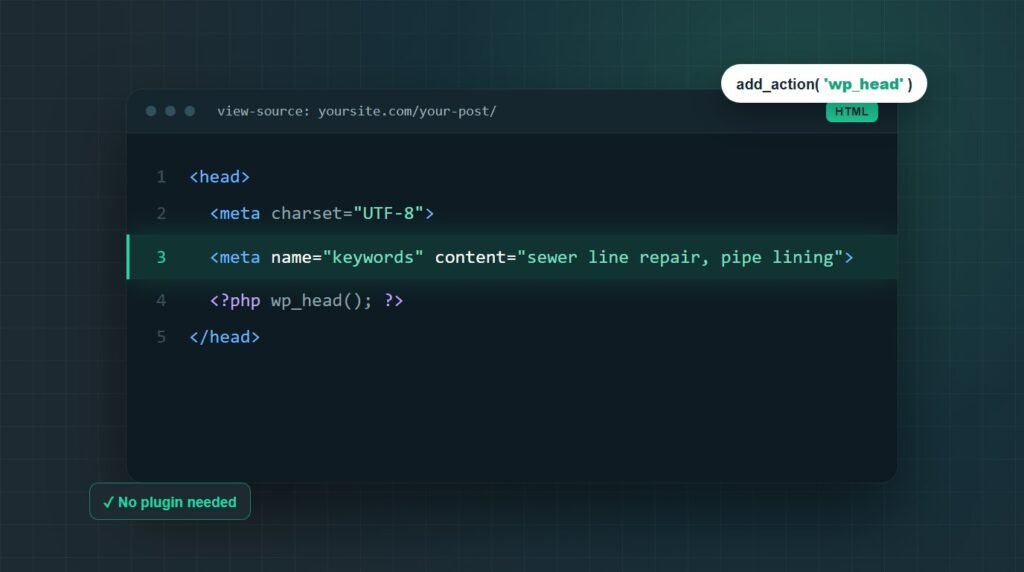
To add meta keywords in WordPress without a plugin, paste a short PHP function into your child theme’s functions.php, or a must-use plugin file, that hooks into wp_head and prints a meta keywords tag.
Why Doesn’t ChatGPT Show My Customer Reviews?
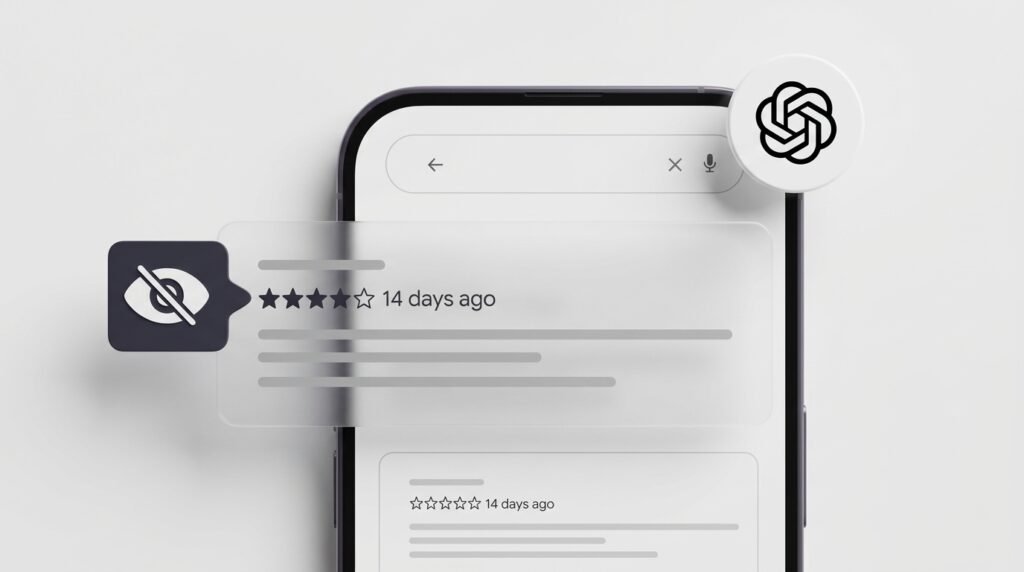
Your reviews are real, and they are in a place ChatGPT does not read.
Your Website Isn’t Getting Leads: Check This Before You Redesign

Four things cause a website to stop producing inquiries, and only one of them is a design problem. The enquiry reached you and you never saw it. Nobody is arriving. The wrong people are arriving.
WooCommerce Shipping Not Showing at Checkout: Find the Cause First

When WooCommerce shipping not showing at checkout, turn on shipping debug mode before you touch a single setting.
Your Web Developer Disappeared: How to Get Control of Your Site

If your web developer disappeared, check the domain first. If it is registered in your name, everything else has a replacement path and you will get your site back.
Moving Away From Elementor: When a Custom Theme Is Worth It

Moving away from Elementor is worth it when you have already exhausted performance fixes, nobody non-technical edits the site, and the page count fits your budget.
Fake reCAPTCHA on WordPress: What It Means and What to Do

If visitors are seeing a reCAPTCHA, Cloudflare verification screen, or “prove you are human” message on your WordPress site that you did not add, treat it as a possible website compromise or a fake reCAPTCHA on your website.
Move WordPress Posts Without Losing Traffic

Moving blog posts from one WordPress site to another is easy. Moving them without losing the rankings, traffic, and links those posts have already earned requires a little more planning.